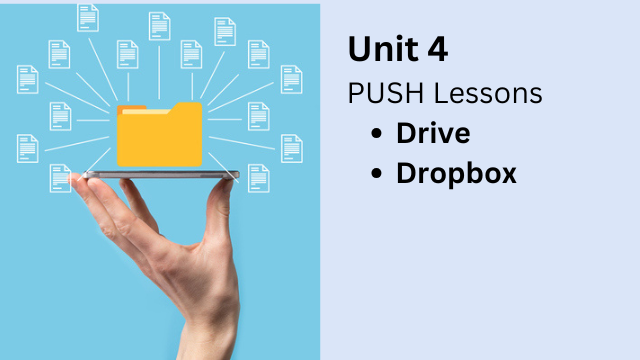
Unit 4: PUSH Your Lessons
Produce, Use, Share, and Host Digital Content
Why This Unit Matters
Creating digital content is only half the job.
Teachers also need an efficient way to share, host, and reuse that content in real lessons.
This unit introduces a practical system called PUSH: Produce, Use, Share, and Host.
With the right setup, teachers can access ready-made lessons almost instantly and adapt them for their students.
What Teachers Get in This Unit
This is a highly practical unit with immediate classroom value.
- Access to over 100 ready-to-use audio files
- Links to dozens of classroom-ready lessons
- Templates used to create real LO lessons
- Models for structuring lessons around shared files
Teachers can begin using these materials immediately, with little to no preparation.
Sharing Audio with Dropbox and Drive
Teachers will learn how to share audio files using both Dropbox and Google Drive.
Although both tools are free, they each have unique strengths. This unit explains when to use each one and why.
- How to share audio files quickly and reliably
- How to organize files for easy classroom use
- How to sync audio with printed materials
Dropbox’s Hidden Superpower
Dropbox has a feature that most teachers never notice: it works as an excellent online audio player.
The visual audio interface is clear, intuitive, and surprisingly effective as a classroom prompt.
Teachers will learn how to:
- Use Dropbox’s audio player for focused listening
- Use the visual interface as a speaking prompt
- Scaffold listening and speaking activities
- Guide student responses using audio and visuals together
This visual support helps students understand more and speak with greater confidence.
Using Google Drive for Text-Based Lessons
This unit also focuses on using Google Drive, especially Google Docs, for lesson creation.
Teachers will learn how to use document templates in the same way they use templates in Canva, but for more text-driven lessons.
Teachers will gain access to hundreds of Drive-based lessons that were used to build LO content.
Templates and Mass Production
All lessons in LO were created using templates.
In this unit, teachers will learn:
- How lesson templates are structured
- How to reuse templates to save time
- How to adapt lessons for different learners
- How to produce lessons quickly and consistently
Teachers will also learn eight different interactive activities that can be done using text or dialogues, all built from the same templates.
What You’ll Learn in Unit 4
- How to PUSH lessons using a simple workflow
- How to share and host audio with Dropbox and Drive
- How to use visual audio interfaces as teaching prompts
- How to sync audio files with printed materials
- How to build text-based lessons with Drive templates
- How to mass-produce lessons efficiently
This unit is unique because it gives teachers immediate teaching power.
With the systems in this unit, lessons are always ready — sometimes literally at the snap of your fingers.
Digital Content Creation for Educators
Part 1: Think Outside the Book
February 16th to March 7th, 2026
Participants can learn the the following:
- How to teach any language!
- How to make lessons engaging!
- How to create cool digital products!