
Module 2: Teach Vocabulary
Welcome to Module 2 of the Teach Any Language series. In this module, we're going to look at how to teach vocabulary using a variety of free tools. We'll continue our A to Z of free software, this time working through the letters G to K.
We'll start with Gemini and look at how AI can help you quickly create a bilingual glossary or vocabulary list. You can use it to generate simple definitions, example sentences, translations, and even gap-fill sentences. Once you have that vocabulary data, we'll look at different ways to turn it into activities for your students.
Here are the main tools we'll look at:
- Gemini. Create bilingual vocabulary lists with definitions, example sentences, translations, and gap-fill activities.
- Google Sheets. Turn your vocabulary into interactive puzzles that work a little like crossword puzzles.
- H5P. Create online crossword puzzles and other interactive activities that you can share with students.
- iLovePDF. Combine different worksheets into one PDF or split a large PDF into individual worksheets.
- JeopardyLabs. Create a classroom vocabulary game based on the Jeopardy game-show format.
- Kami. Annotate PDFs while teaching, review answers with your class, or let students annotate worksheets themselves.
- Kahoot. Create competitive vocabulary games that students can play together in class.
The tool I'm especially excited about in this module is Google Sheets. You can turn a normal spreadsheet into an interactive digital workbook where students use clues to figure out vocabulary or grammar. Students get immediate feedback, and the activities can feel more like solving a puzzle than completing a traditional worksheet.
We'll also look at how these tools can work together. You might use Gemini to create the vocabulary, turn that vocabulary into a Google Sheets puzzle, create a crossword with H5P, combine printable activities with iLovePDF, and then review them together using Kami. The idea isn't just to learn individual tools, but to see how you can use them together to quickly create different types of vocabulary practice.
That's Module 2: Teach Vocabulary. There are lots of tools to play with, and you can see all of the free tutorials right below. I hope you enjoy them.



Create a crossword puzzle to review vocabulary.

Merge and separate PDF files in seconds. Perfect for ELLLO!

Make fun competive contests just like the TV game show.
Merge and split worksheets.

Create interactive and competitive activities that gamify language lessons.
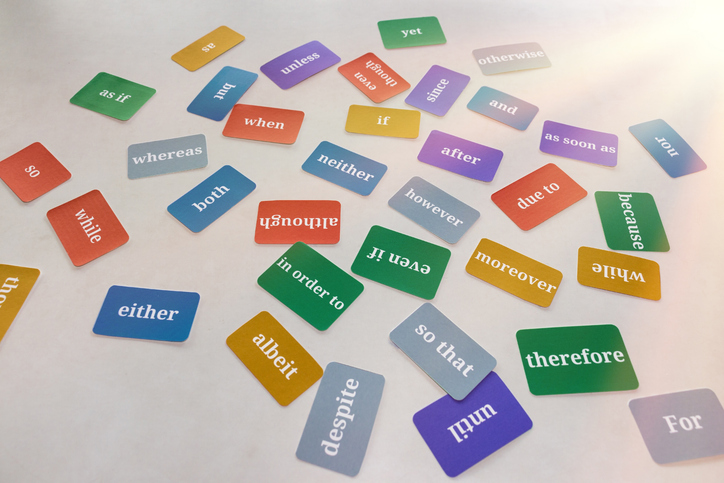
Create vocabulary lessons for online and offline use.