Dropbox for Teachers
Create Echo Conversations for Listening and Speaking Lessons
Dropbox works like any other file-sharing service — similar to Google Drive, OneDrive, or iCloud — but its audio player is what makes it especially useful for listening activities. Play a short conversation clip, have students repeat what they hear in pairs, and you have a fast, low-prep speaking activity that students genuinely enjoy.
Why use this tool?
The activity itself — called an echo conversation, or listen and repeat — works because it removes text entirely. Students sit without a pencil, book, or phone, listen to a short conversation line by line, and repeat their assigned role (one student takes the male speaker's lines, the other takes the female speaker's). Because there's no script in front of them, they have to actually listen rather than read ahead, which leads to much more natural intonation than a scripted read-aloud.
It's also gamified in a simple way: students don't know which line is coming next, how difficult it will be, or whose turn is next, which keeps attention high throughout. Rotating partners after each short conversation keeps the activity fresh, and because it's low-stakes, students who miss a line simply try again — it doubles as a quick, informal listening assessment for the teacher, who can watch the room and spot who's following along and who's struggling.
Dropbox's player also includes a few useful extras: an auto-generated transcript (not perfectly accurate, but close) for homework use, optional captions for students who want to see exactly what was said, a quick 10-second rewind button, and simple navigation between audio files in a folder.
How to use it
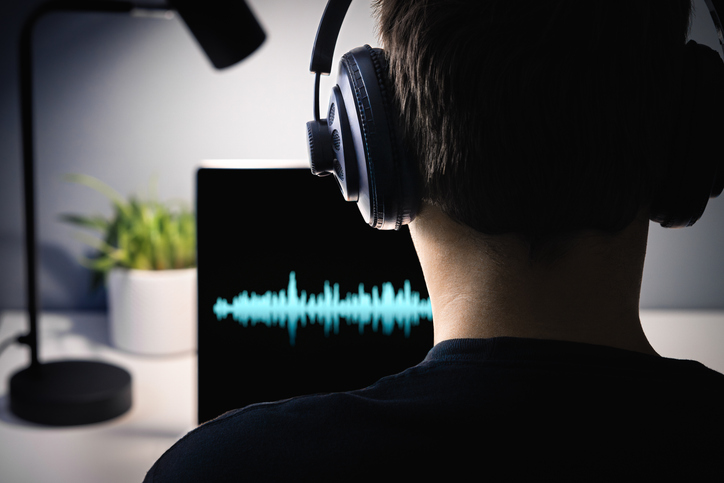
- Open a shared audio file in Dropbox. Click the link to bring up the audio player with its visual waveform display.
- Pair up students. Have them sit away from their desks with nothing in hand — no pencil, book, or phone.
- Assign roles. One student repeats the male speaker's lines, the other repeats the female speaker's lines.
- Play the audio line by line. Play each short chunk, pause, and have the corresponding student repeat what they heard before moving to the next line.
- Rotate partners between conversations. With multiple files in a folder, have one student in each pair stand and rotate to a new partner for the next conversation.
- Use the extra features as needed. Turn on the transcript or captions for homework use, or use the rewind button if students want to hear a line again.
This is a genuinely low-prep activity once you have a folder of short conversation clips — just play, repeat, rotate, and move to the next file.