How to Use Zoom to Create Video Lessons
Zoom is the final tool in our A to Z of Free Software series. Most people are probably already familiar with Zoom. Maybe you've joined a Zoom meeting, taken an online class, or even taught a class with it. But Zoom can also be a useful tool for creating teaching content.
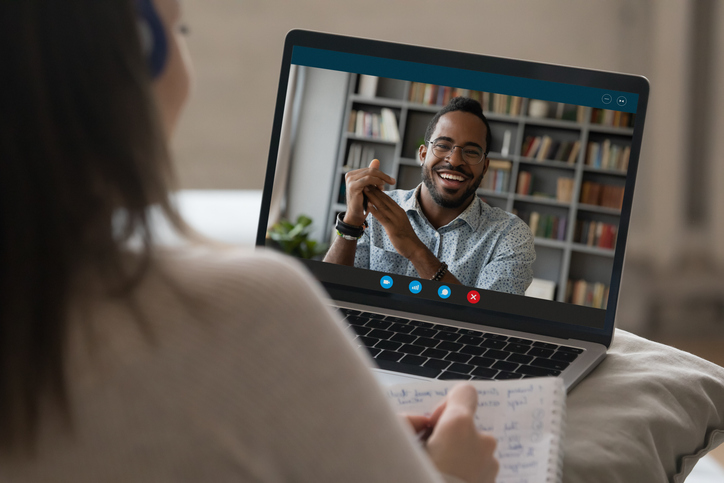
One of the features I really like is recording. You don't have to use Zoom only for live classes. You can record an interview or conversation with somebody and then reuse that recording as a listening or video lesson. You can also record yourself explaining something, demonstrating an activity, or teaching with a digital whiteboard.
There are several ways teachers can use Zoom:
- Teach live classes. Meet with students online for classes, tutorials, or other live activities.
- Record conversations. Interview another person or record a natural conversation that you can turn into a listening or video lesson.
- Record yourself. You don't need other participants. You can use Zoom by yourself to record an explanation or lesson.
- Share your screen. Demonstrate a website, activity, presentation, or other teaching material while you record.
- Use the whiteboard. Explain something visually while teaching or creating a recorded lesson.
- Repurpose your recordings. Take something you recorded live and turn it into video, audio, or other content that students can use later.
There are plenty of other platforms for live video these days, including Google Meet and other communication apps. What I especially like about Zoom is the ability to combine live interaction with recording. You can teach something once, record it, and then potentially reuse that recording as learning content later.
This is just a quick introduction to Zoom, and I'll probably create some more detailed tutorials in the future. The bigger idea for this module is that there are lots of different ways to create video content. You don't always have to sit down and produce a traditional video lesson. A live class, interview, conversation, demonstration, or tutorial can also become useful content for your students.
And that's it! Zoom brings us to the letter Z and the end of our A to Z of Free Software series. I'll continue adding new tutorials to the ELLLO library as I discover useful tools and new ways to use them. Thanks for watching the series, and I hope it gives you some ideas for creating your own language lessons.